
Written in plain Markdown
---
title: Code Blocks
---
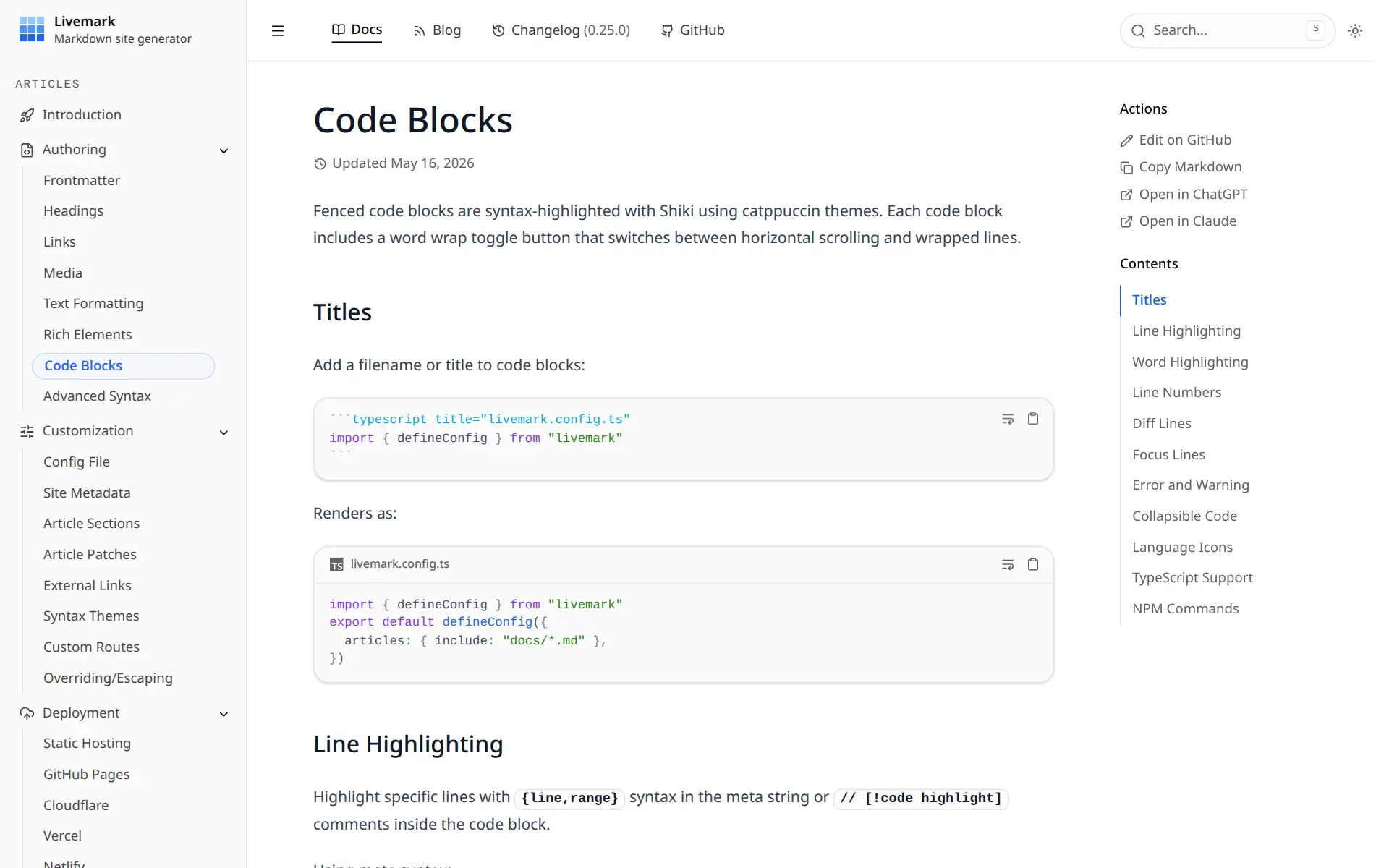
```ts title="livemark.config.ts"Stays out of your way
No required folder structure, no lock-in. Livemark adapts to your repo, not the other way round.
Any file layout
Point
includeglobs at the Markdown you already have. README, CONTRIBUTING and CHANGELOG become pages too.Real TanStack Start pages
Drop a
.tsxfile into.livemark/routes/for pricing, dashboards or anything else. This landing page is one.Tailwind, fully customizable
Built on Tailwind v4 and shadcn-style primitives. Restyle with CSS tokens, use utilities in your own pages, or escape any component under
.livemark/.
.livemark/
└─ routes/
├─ pricing.tsx
└─ dashboard.tsx
guides/
├─ setup.md
└─ faq.md
src/
README.md
CHANGELOG.md
livemark.config.tsBeautiful by default
Rich Markdown, a polished mobile experience and sensible defaults. Customize only what you want.
Shiki syntax highlighting
100+ languages, Catppuccin themes, diffs, line highlights, and TwoSlash type hints out of the box.
Diagrams & math
Mermaid flowcharts and KaTeX equations, theme-aware, zero config. Just write them in your Markdown.
Rich Markdown syntax
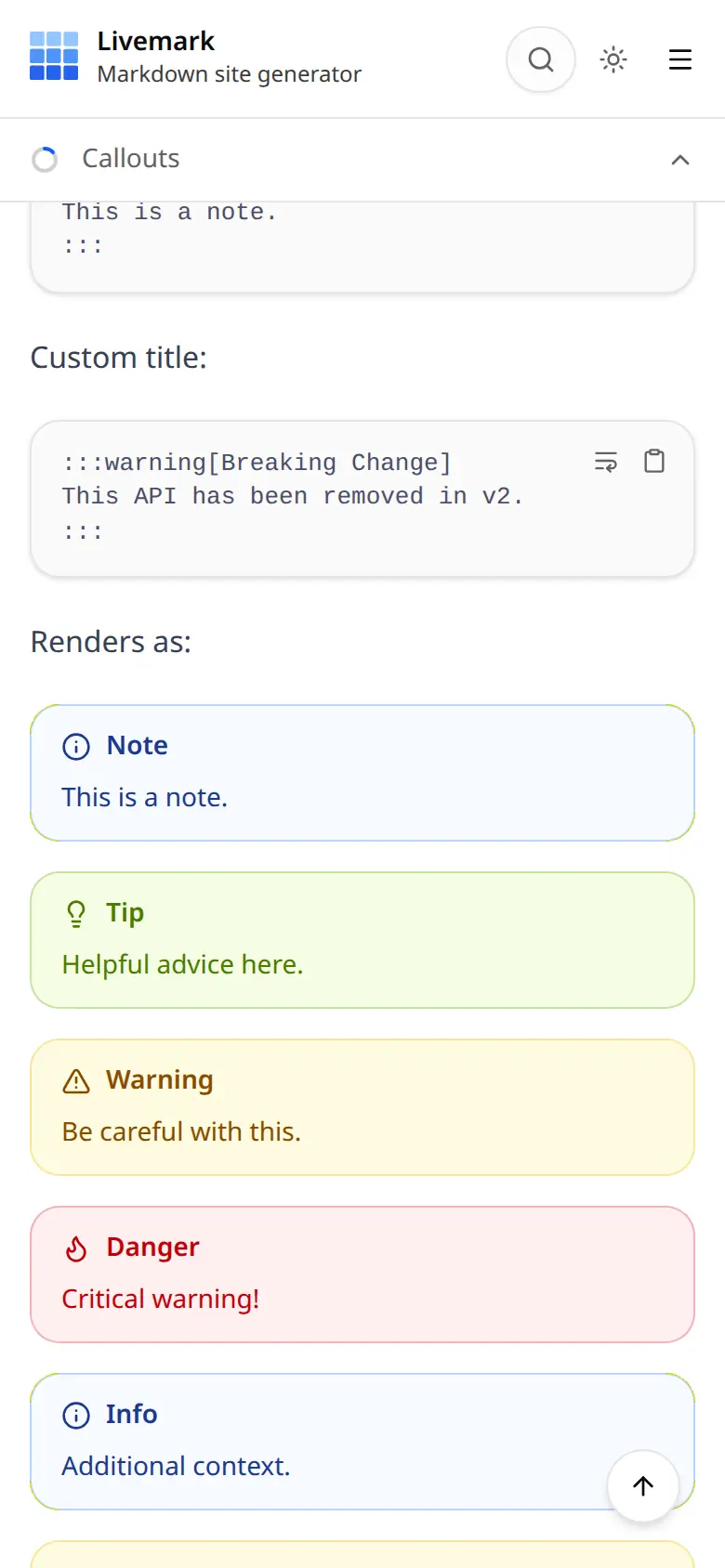
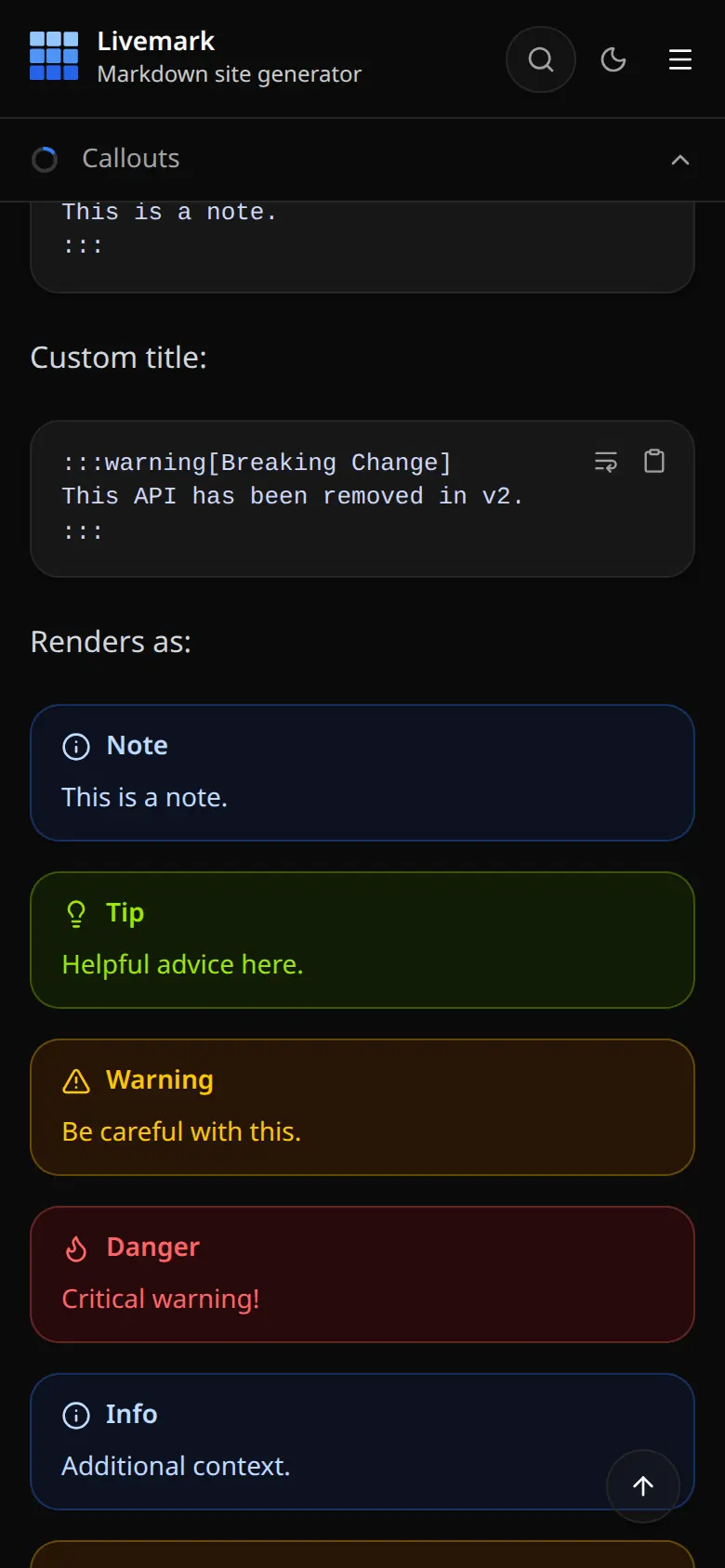
Callouts, tabs, steps, cards, file trees, badges and more — plain directives, no JSX required.
MDX components
Drop JSX components into Markdown when you need power — stay plain when you don't.
Perfect on mobile
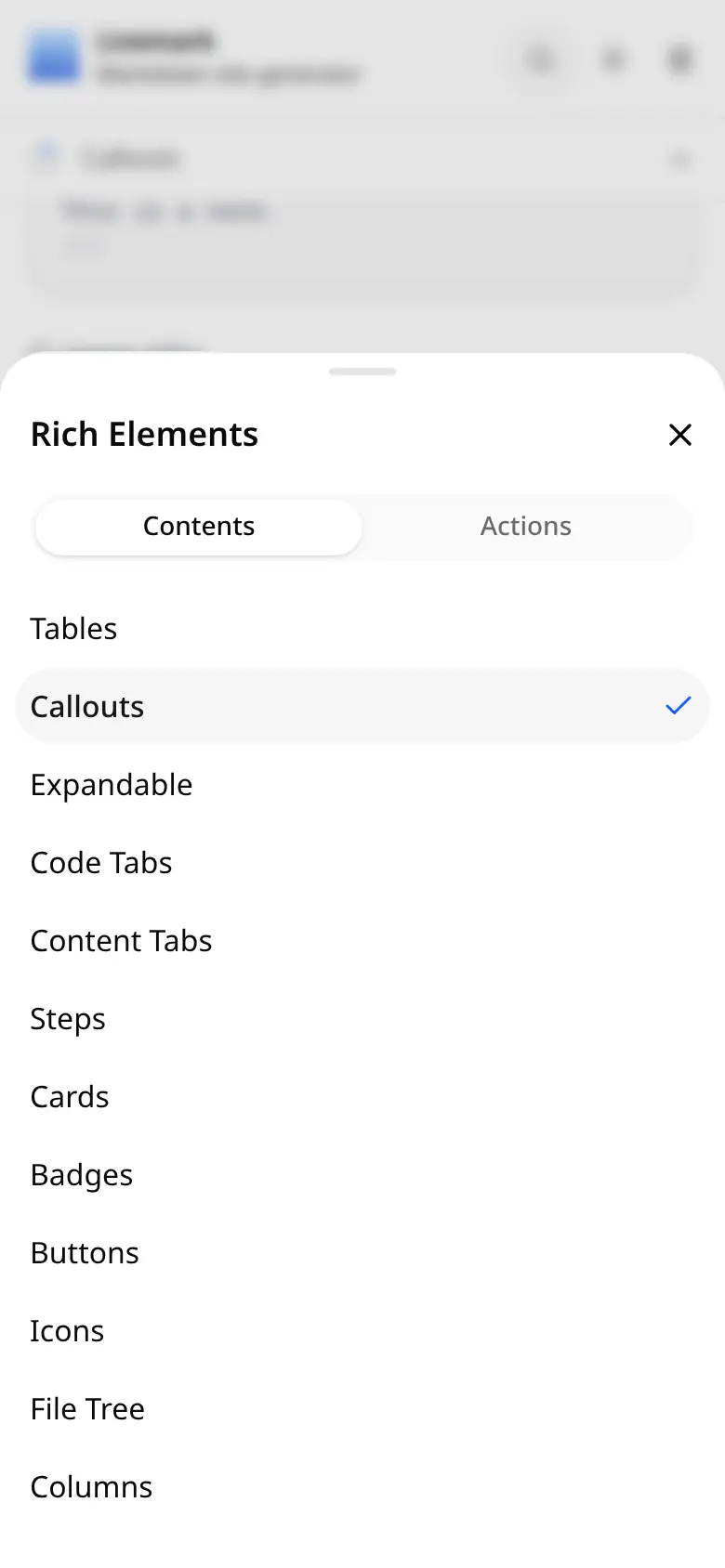
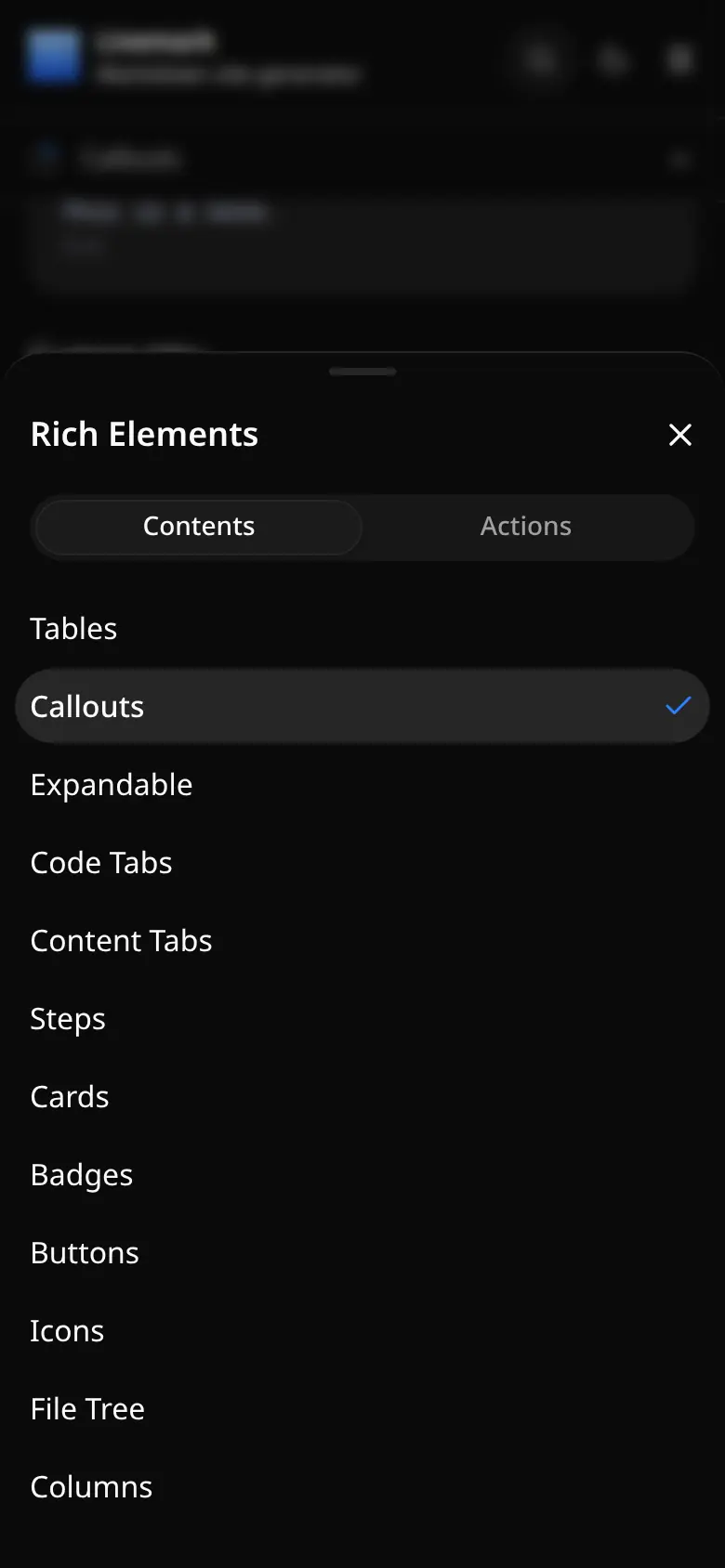
Bottom-sheet navigation, page contents a tap away, and no sideways scroll on any phone.
Docs, blog & changelog
Multiple content sections with tags, dates, and auto-generated index pages, all from configuration.
Search & navigation
Orama full-text search, per-section sidebars, keyboard shortcuts, and smart table-of-contents.
Dark mode & theme tokens
Built-in dark mode, light/dark image variants, CSS variables like --primary, and swappable Shiki themes.
Instant preview, static output
Edits show up in the browser as you save, no reload. Then a static build with sitemap, robots and RSS.
Write Markdown. Ship a website.
Your .md files stay as they are — Livemark does the rest.
---
title: Quickstart
icon: rocket
---

# Quickstart

Install the package:

```bash
npm install livemark
```

:::tip
Run livemark dev and open the browser.
:::

## Features

- **Fast** rebuilds with Vite
- **MDX** components when you need them
- _Beautiful_ out of the boxQuickstart
Install the package:
Run livemark start and open the browser.
Features
- · Fast rebuilds with Vite
- · MDX components when you need them
- · Beautiful out of the box
Ready for AI agents
Every build publishes your site in the formats AI agents look for, alongside the HTML for people. No configuration needed.
$ curl -H "Accept: text/markdown" \
    livemark.dev/introduction/

HTTP/2 200
content-type: text/markdown

# Introduction

> Learn how to set up your
> first Livemark project.

## What you get

- **Just write Markdown.**
  GitHub-flavored Markdown works out
  of the box, with footnotes and gemoji.

:::tip
Every page has a twin like this one —
list them all at /llms.txt.
:::
A Markdown twin of every page
Each page gets an
index.mdbeside its HTML, linked from the page head. One CDN rule serves it to requests that sendAccept: text/markdown.llms.txt out of the box
An
llms.txtindex of every twin, grouped by section and advertised in aLinkheader on the home page.Content signals
robots.txtstates whether your pages may be used for search, AI answers or model training. One config option changes it.Agent skills
Point
skillsat yourSKILL.mdfiles and they are published under/.well-known/agent-skills/.Skills for your coding agent
npx skills add https://livemark.devteaches Claude Code, Cursor or Codex to write, configure and customize your Livemark site.
Start writing. Let Livemark handle the rest.
Point Livemark at the Markdown you already have, add pages when you need them, deploy. That's the whole setup.